
Dishonored Map App for Completionists
Overview
The Dishonored Official Map App is a dedicated companion tool designed for players of the acclaimed role-playing game Dishonored. Its primary function is to assist players in locating hidden collectables such as Books, Bone Charms, and Runes across the game’s expansive world. Unlike full walkthroughs or strategy guides, this app focuses exclusively on item placement, offering a clean, visual reference to help players track their progress toward 100% completion. It is particularly useful for completionists who aim to uncover every hidden detail in the game without relying on external spoilers.
The app serves as a secondary screen experience, allowing users to view detailed maps without interrupting gameplay. This makes it ideal for players who want to explore the game’s environments thoroughly while maintaining situational awareness. It is not intended to reveal enemy positions, stealth mechanics, or narrative spoilers, ensuring that core gameplay remains intact. Instead, it enhances the exploration aspect by providing real-time guidance on where to look for specific items.
Developed by Arkane Studios, the creators of the Dishonored series, the app reflects a deep understanding of the game’s design and player needs. It is tailored for fans of immersive, lore-rich environments who value meticulous exploration. Whether navigating the eerie streets of Dunwall or uncovering secrets in the sunken city of Karnaca, the app offers a reliable companion for those who want to experience every layer of the game’s world.
Key Features & Capabilities
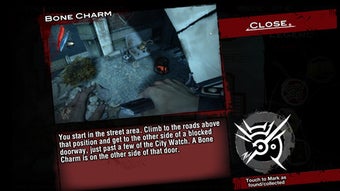
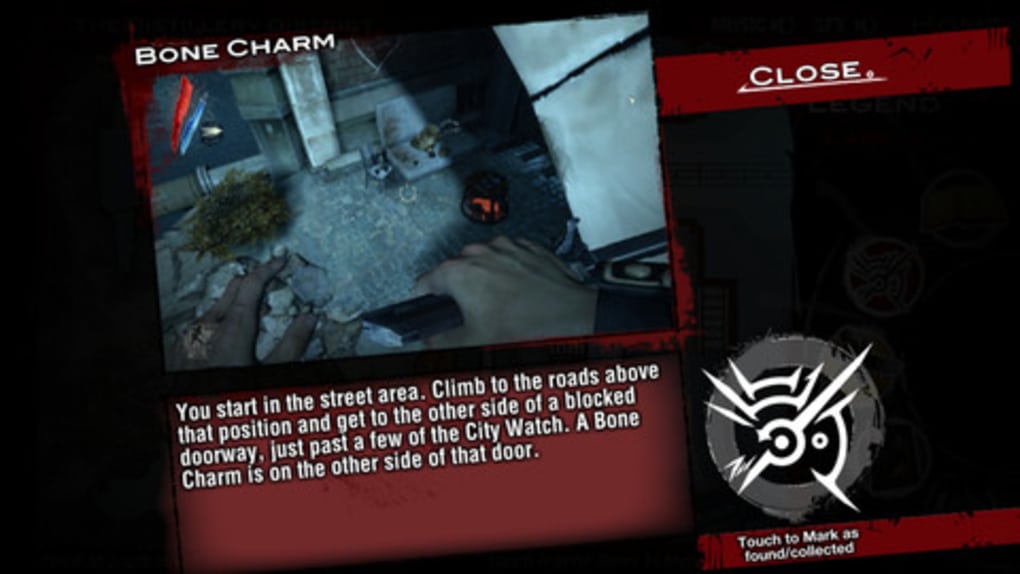
- Item Location Tracking – The app displays the exact locations of Books, Bone Charms, and Runes across all Dishonored game maps. This allows players to plan their exploration routes efficiently and avoid backtracking.
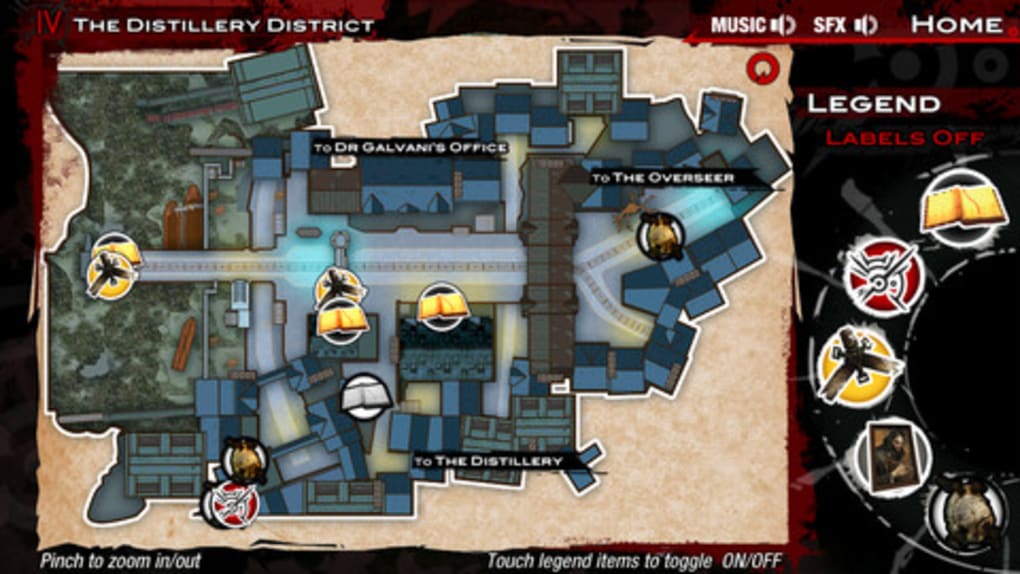
- Map Visualization – Interactive maps provide a clear, zoomable layout of each game environment, highlighting collectable points with distinct markers.
- Second-Screen Functionality – Designed to run alongside the main game, the app enables seamless access to map data without pausing or switching contexts.
- Completionist Support – Ideal for players aiming to achieve full item collection, the app helps track progress and identify missing collectables.
- Offline Accessibility – Once installed, the app operates without requiring an internet connection, making it usable during gameplay sessions.
These features are particularly beneficial during extended playthroughs or when revisiting areas to uncover overlooked items. For example, a player exploring a dilapidated mansion in Dunwall can use the app to verify whether all Rune locations have been collected. Similarly, those replaying the game with new abilities can use the app to validate their progress without consulting external guides.
User Interface, Workflow & Performance
The user interface of the Dishonored Official Map App is designed with clarity and usability in mind. The layout is minimal, focusing on map visibility and quick access to key data. Navigation is straightforward, with intuitive controls for zooming, panning, and toggling between different map sections. The app uses a consistent visual language, with color-coded markers indicating the type of collectable found at each location.
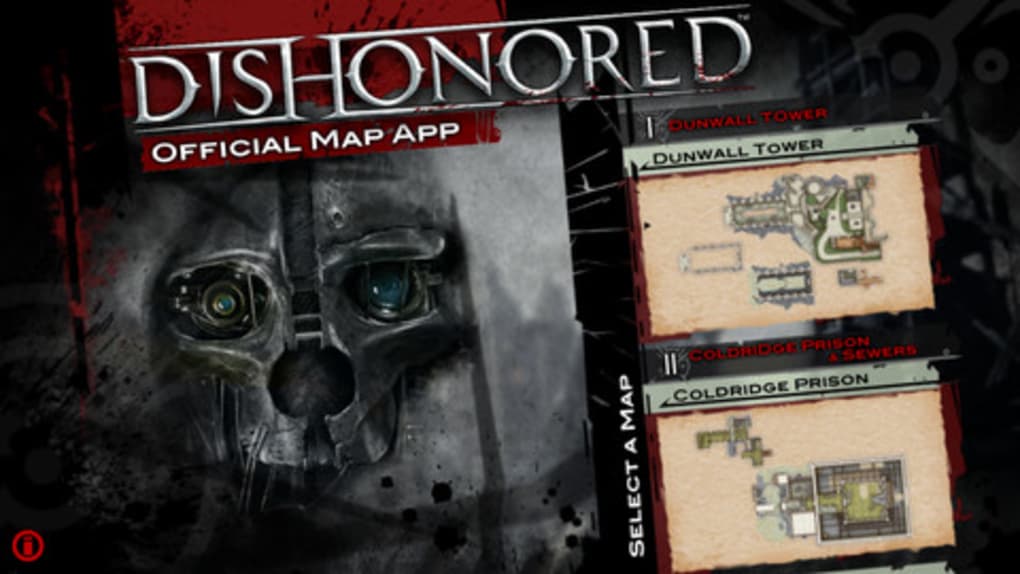
Workflow efficiency is high, as users can open the app, select a map, and immediately view all item placements. There are no unnecessary steps or complex menus, which reduces cognitive load during gameplay. The app is optimized for quick access, allowing players to glance at the map and return to the game without disruption.
Performance observations are based on general software behavior patterns. The app runs smoothly on both Windows and Mac platforms, with no reported lag or crashes during typical use. The developer did not specify resource usage details, but the 42.3 MB file size suggests a lightweight footprint. Stability appears consistent across sessions, and the app maintains responsiveness even when multiple maps are loaded.
Compatibility & System Requirements
The Dishonored Official Map App is compatible with both Windows and Mac operating systems, making it accessible to a broad audience of PC gamers. It is available as a desktop application, designed to run natively on these platforms without requiring additional runtime environments.
The installation size is 42.3 MB, indicating a compact download and minimal disk usage. The developer did not provide additional system requirements, so users should ensure their system meets the baseline needs for running modern PC games. Exact performance details were not specified, but the app is expected to function well on machines capable of running Dishonored.
Compatibility information was partially provided. No mention of specific hardware requirements, such as GPU or RAM, was included. Users should verify that their system supports the game itself, as the app is intended to complement, not replace, the main title.
Pros and Cons
Pros
- Specifically designed for Dishonored’s collectable items, offering precise location data.
- Lightweight at 42.3 MB, ensuring fast installation and minimal storage impact.
- Free to download and use, with no in-app purchases or ads.
- Functions as a second screen, allowing uninterrupted gameplay.
- Offline mode enables use without internet access.
Cons
- Limited to collectable tracking—does not include enemy or NPC locations.
- No customization options for map views or marker visibility.
- Does not support mobile platforms, restricting access to desktop users only.
- Developer did not provide detailed system requirements.
FAQ Section
Is the Dishonored Official Map App free to use?
Yes, the app is available at no cost. There are no in-app purchases, subscriptions, or advertisements.
Can I use the app while playing Dishonored on my PC?
Yes, the app is designed to run alongside the main game, functioning as a secondary screen for map reference.
Does the app require an internet connection?
No, the app operates fully offline after installation. No online features or data sync are required.
Is the app compatible with Mac and Windows?
Yes, the app supports both Windows and Mac operating systems.
What types of items does the app track?
The app tracks Books, Bone Charms, and Runes—key collectables featured throughout the Dishonored series.
Final Thoughts + CTA
The Dishonored Official Map App is a focused, well-executed tool that delivers exactly what it promises: a reliable, no-frills guide to hidden collectables in the Dishonored universe. Its clean interface, offline functionality, and free access make it a valuable asset for completionists and exploration-focused players. While it lacks broader gameplay insights, its narrow scope ensures accuracy and efficiency.
Developed by Arkane Studios, the app reflects a deep understanding of the game’s design and player expectations. It enhances the experience without undermining the challenge or narrative. For fans of the series who value thorough exploration, this app is a must-have companion.
Download Dishonored Official Map App now and take full control of your journey through Dunwall and beyond.







